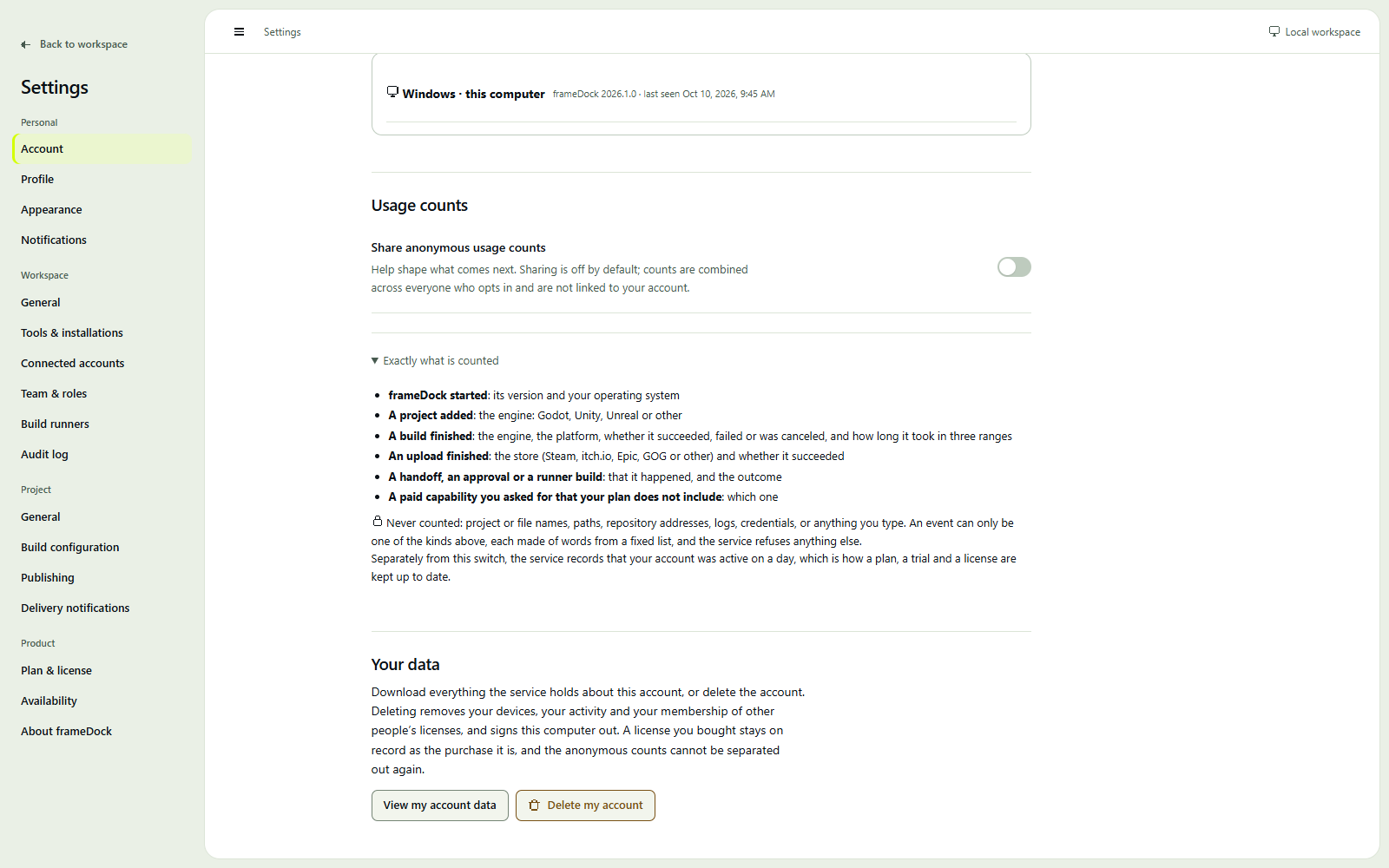
Accounts, devices and offline use
Your account manages access. Your game project stays local.
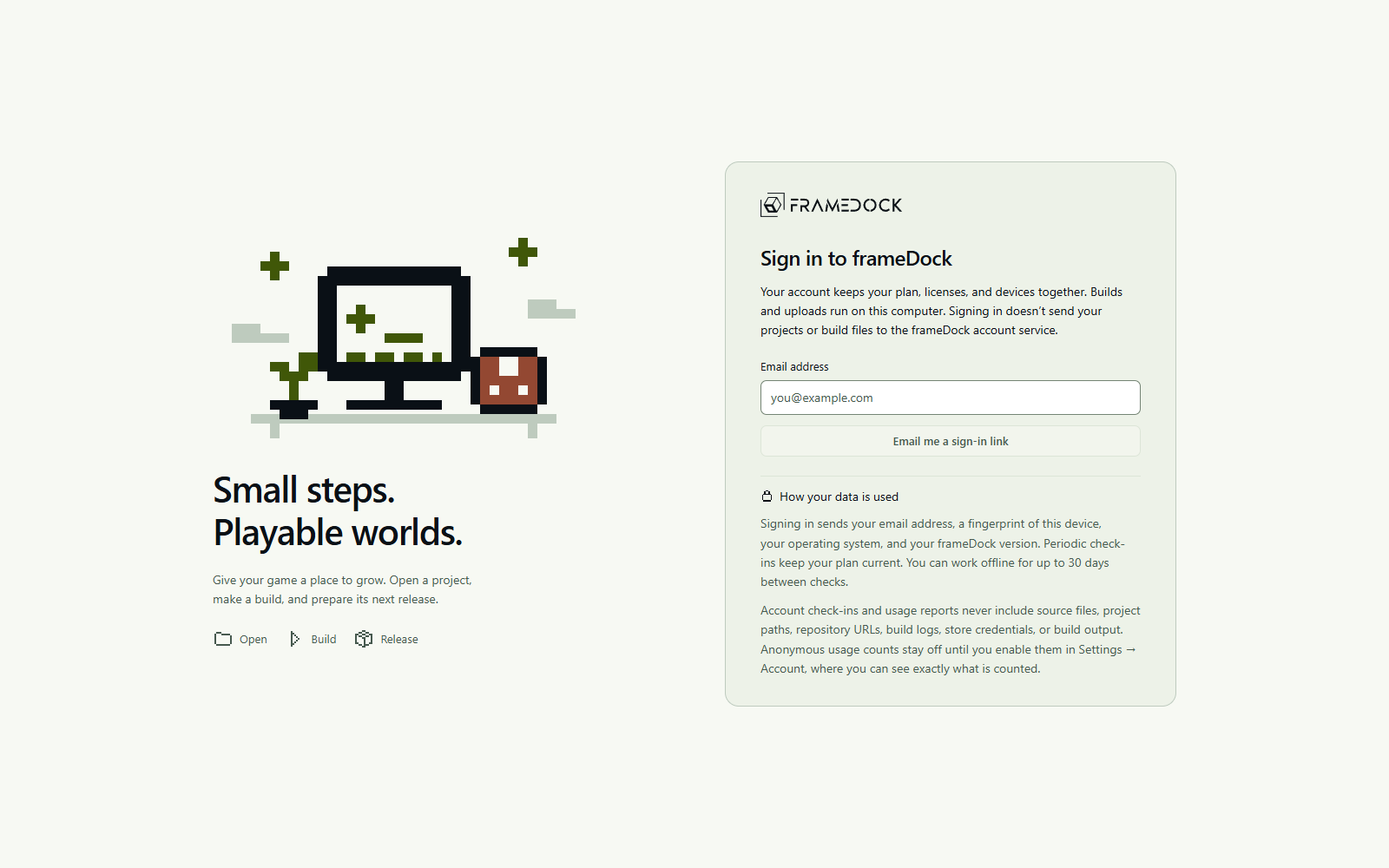
Email sign-in
There is no password. A one-time email link verifies the address. For desktop sign-in, a matching code helps you approve the correct computer. Opening an email link alone does not approve a request.
The email address and request code shown here are local verification examples. The screenshots demonstrate the current UI, not production email delivery or a real account authorization.
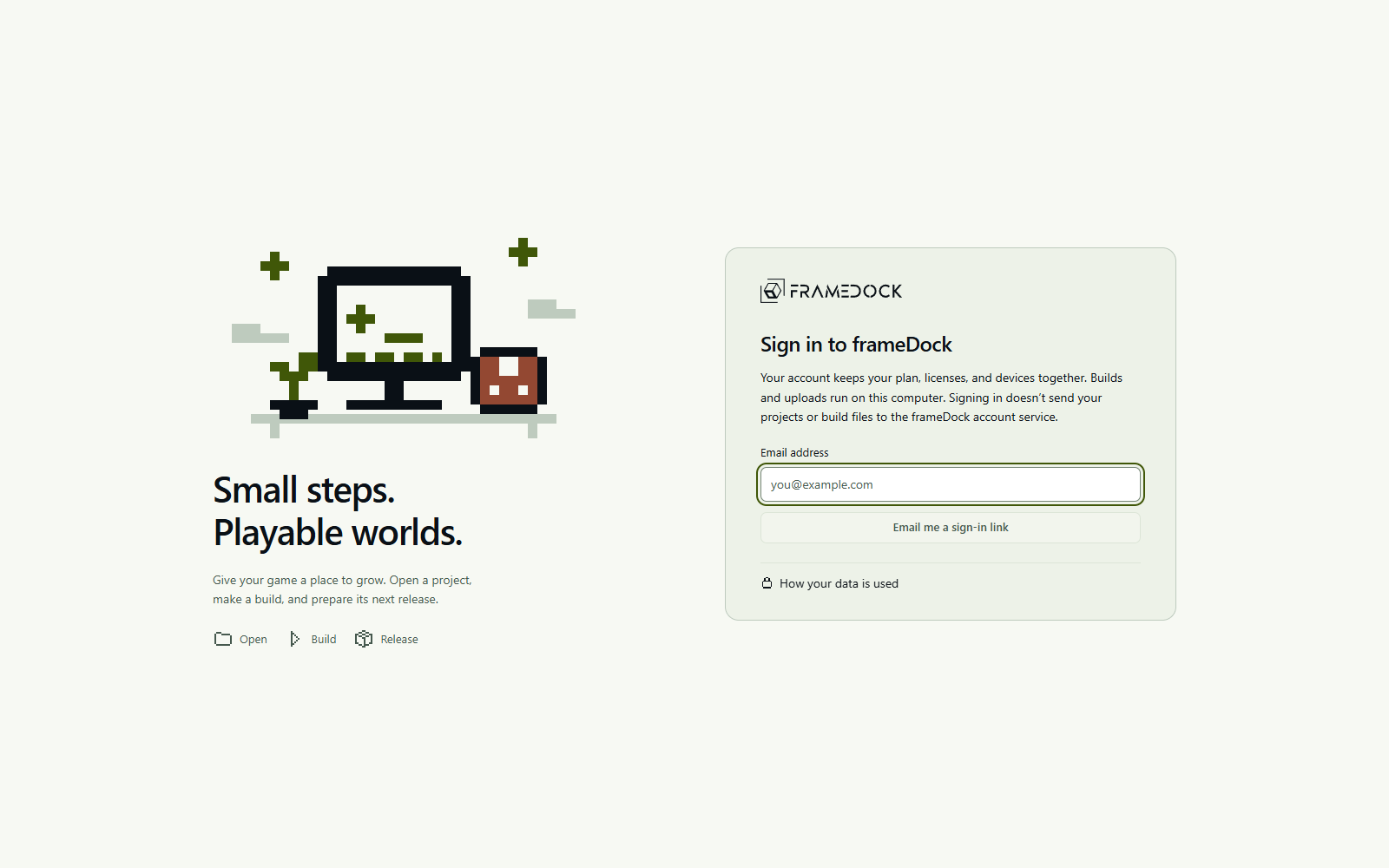
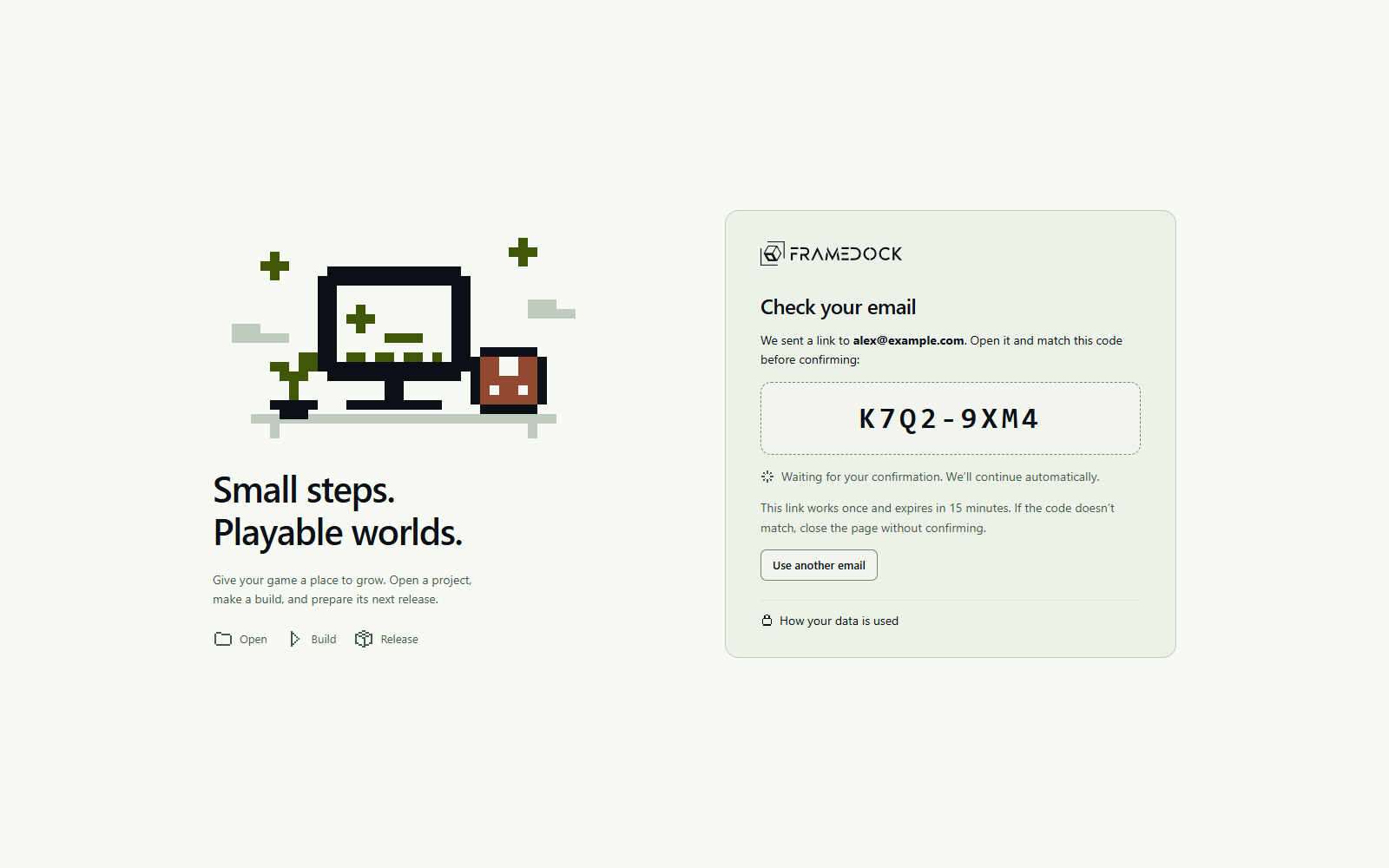
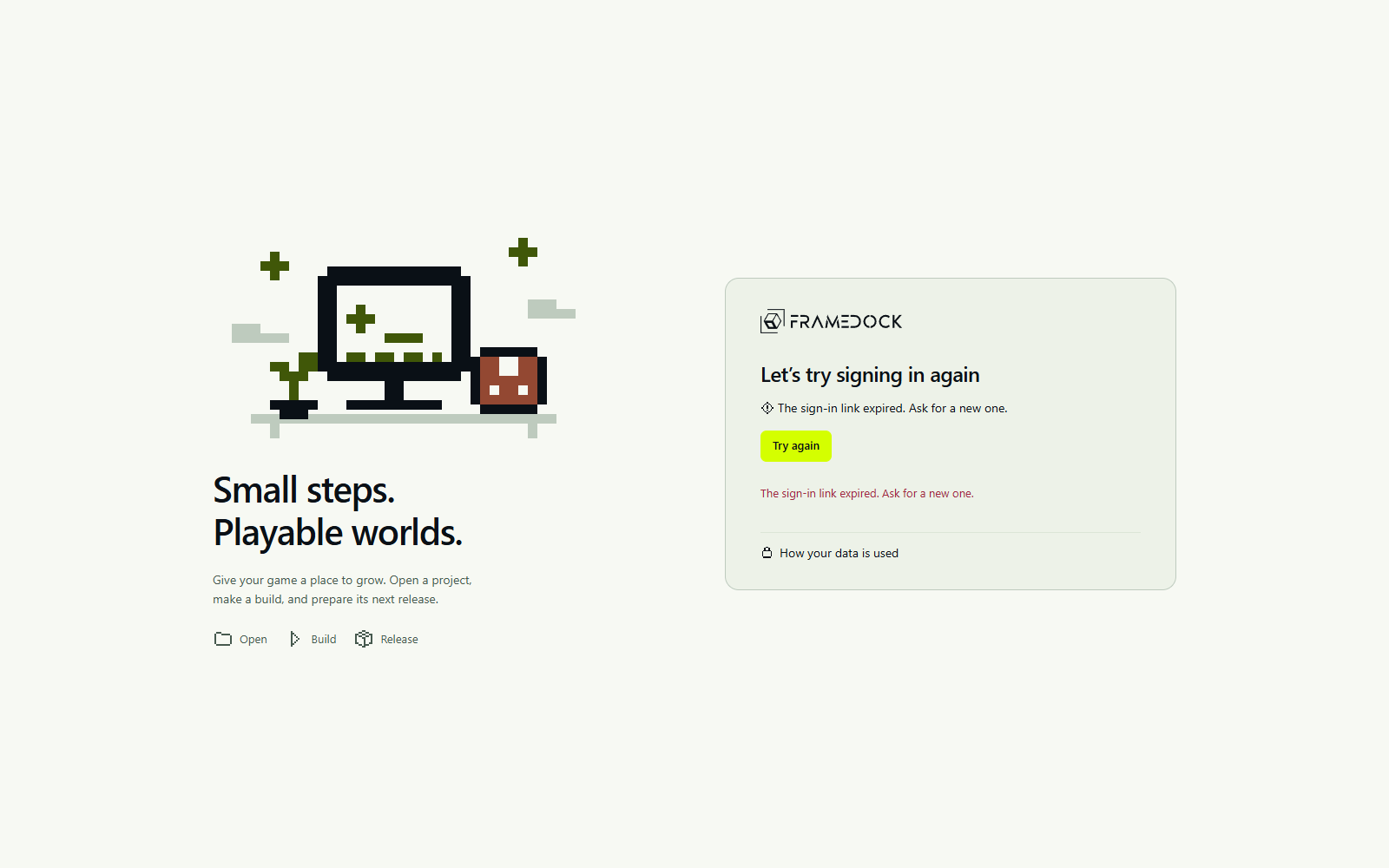
Local-first by default
Project names, paths, repository credentials, source files, assets, build logs, store credentials and game build output are not part of your account. Explicit uploads to your chosen store remain a separate local operation.
Devices and people
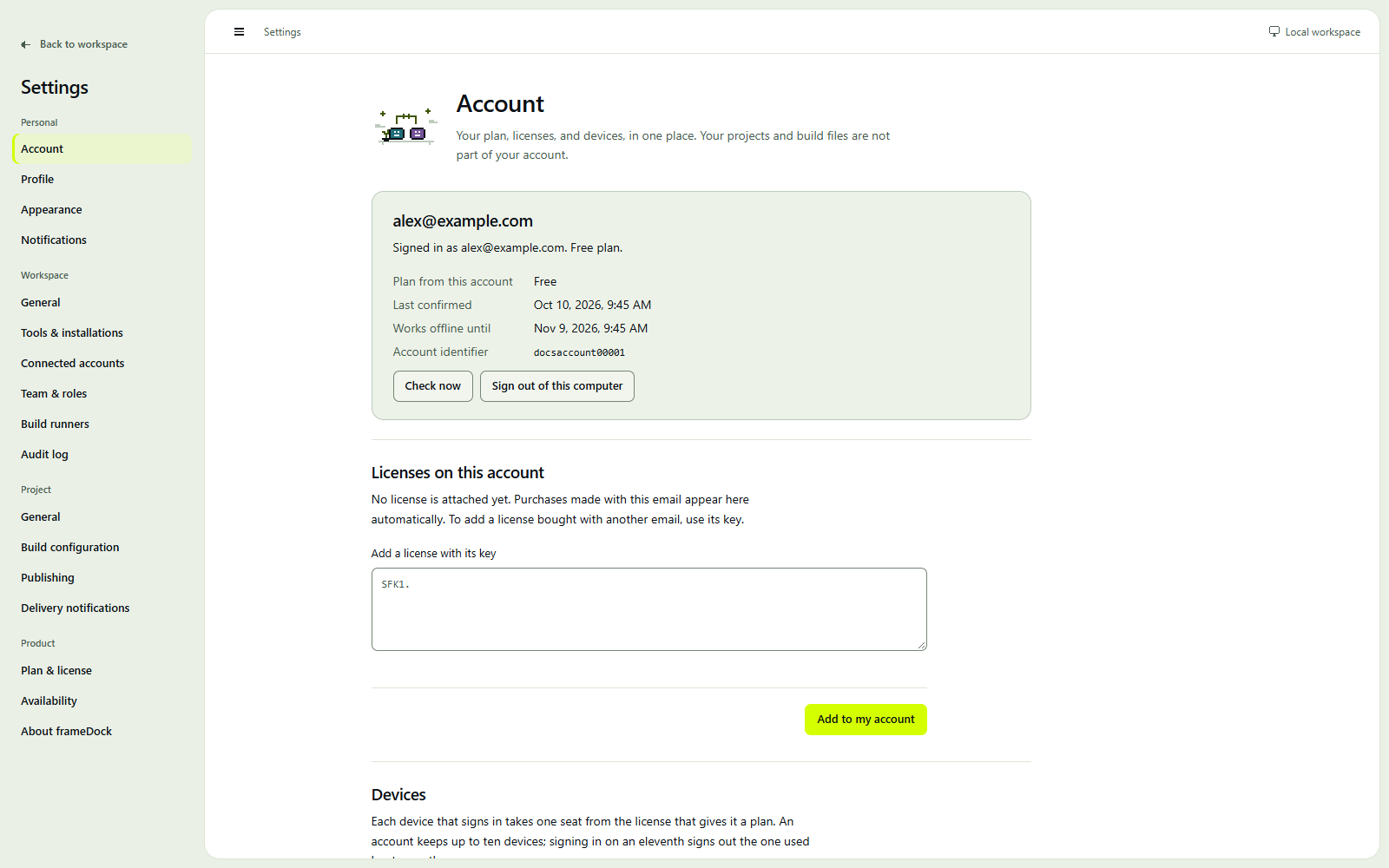
The production policy allows two computers for an individual account or active Teams member. Teams seats count people, including the owner. Removing a member frees a person seat; signing out a computer does not change the purchased quantity. Legacy activation licenses retain their original terms.
The current development device panel still uses older device/seat wording. Production people-seat and two-active-computer rules retain their separate release verification gates.
Offline access
Subscription entitlements have signed offline leases of up to 30 days. The production annual policy preserves paid access on releases covered by the purchased maintenance cutoff. That extended perpetual certificate is still an implementation and release gate; current pilot account leases expire after 30 days.
Privacy controls
Optional usage counts are off by default and contain only events from a fixed list. You can export account data and request deletion. Account deletion must resolve active billing and organization ownership first. Necessary purchase and trial records follow the published policy.