Optional accounts and publisher connections
Build locally first. Add source access or a destination when you need it.
Know which setting owns the connection
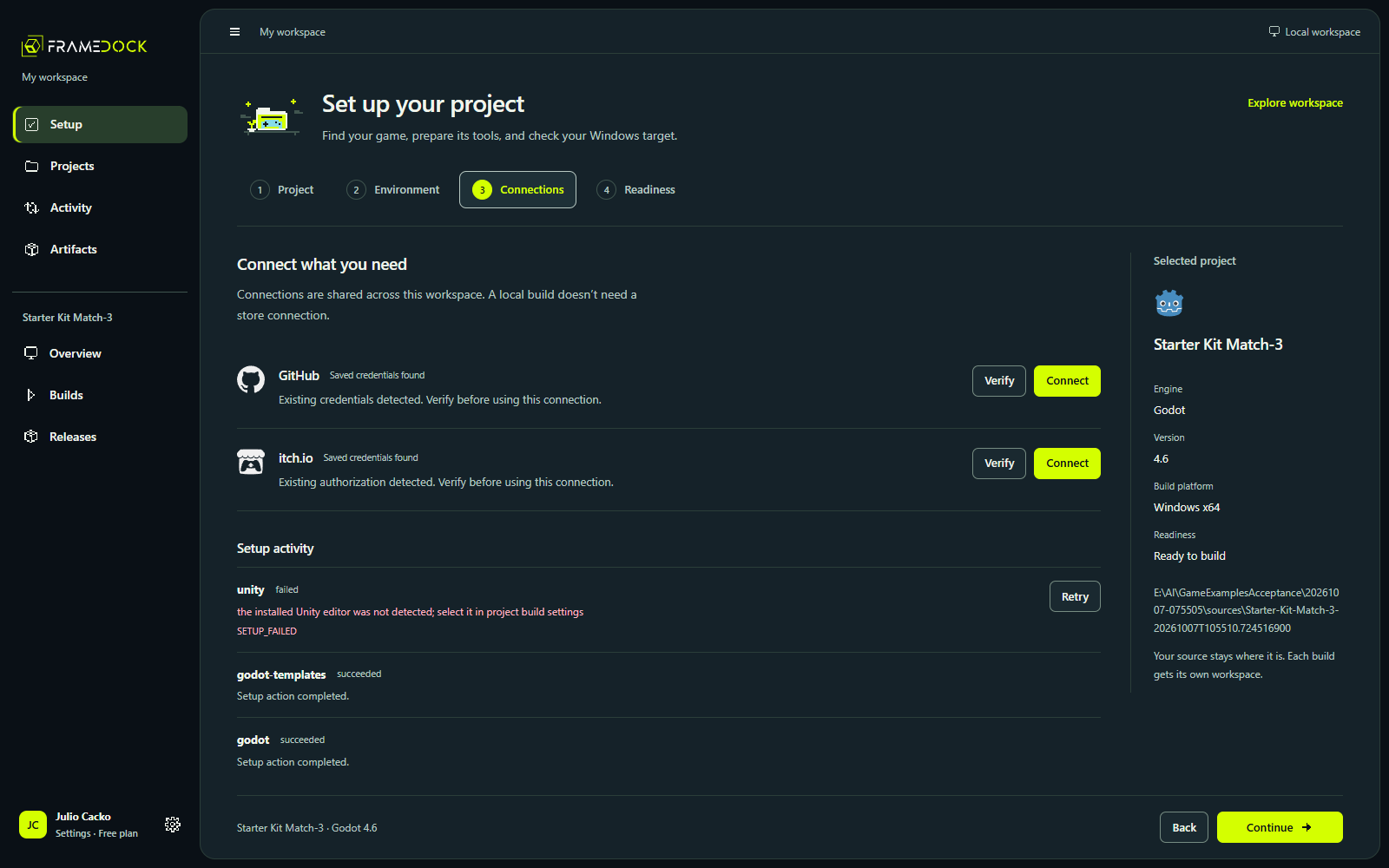
Workspace Settings → Connected accounts owns GitHub, itch.io and Unity. Setup reuses that editor. Project Settings → Publishing owns Steam app/depot/private-branch and itch.io destination information. Delivery notifications owns the optional Discord webhook.
GitHub source access
Use official CLI/browser or device authorization and confirm the account can read the repository. Choose the correct project subfolder. Authorization stays in the Windows credential system, not project files.
Unity authentication and license
Unity uses its own authentication/session broker. Account status and a valid editor license are separate checks. Consent, license activation and Personal eligibility remain explicit vendor actions.
Steam and itch.io publishing
A general user sign-in does not grant publisher access. Steam needs the Steamworks app/depot mapping and a private branch. itch.io needs an authorized butler session and the intended project/channel.
- Confirm the account and publisher permissions.
- Review the selected artifact and destination before uploading.
- Check the actual branch or channel separately after transfer.
Keep the first build local
Skip publishing connections when your immediate goal is a playable Windows build. Unsupported partner and console workflows remain read-only prerequisites in Availability.