
Recover from setup and build blockers
Read the failed check, resolve its cause and retry safely.
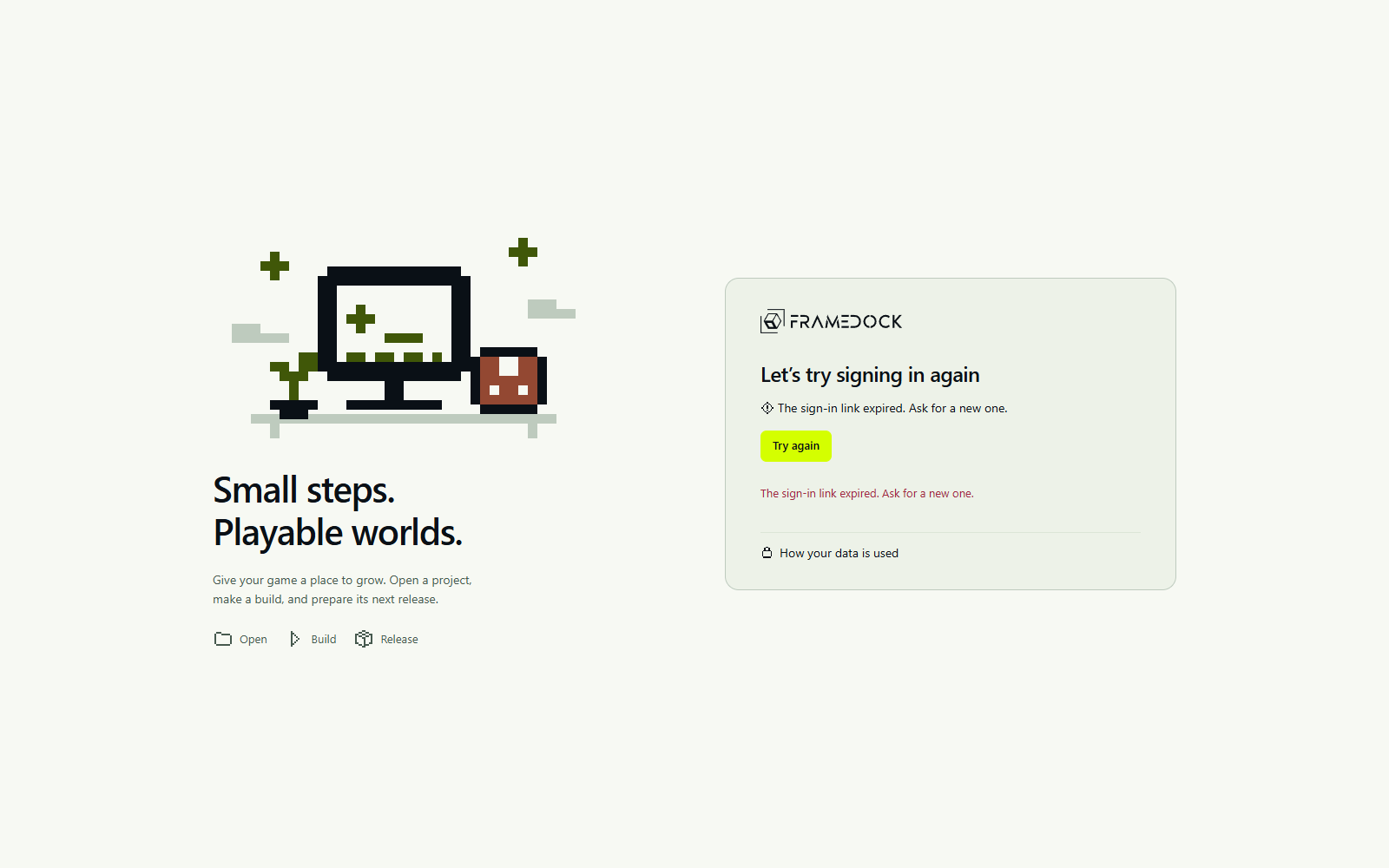
The sign-in request expired
Choose Try again in the application and request a fresh link. Keep the application open, compare the new code with the code in the email, then approve that request. Do not reuse the expired link or approve a request whose code does not match.
This is the actual retry interface with a local verification account. It does not demonstrate a real email being sent.
The project is not detected
Select the folder containing the engine’s project file, not a parent workspace or a built executable. For repositories, confirm the project subfolder and current read permissions.
The selected editor is incompatible
Check the version named by the project. Choose a compatible installation or resolve the correct version through the supported vendor path. Do not silently upgrade the project to fit a different editor.
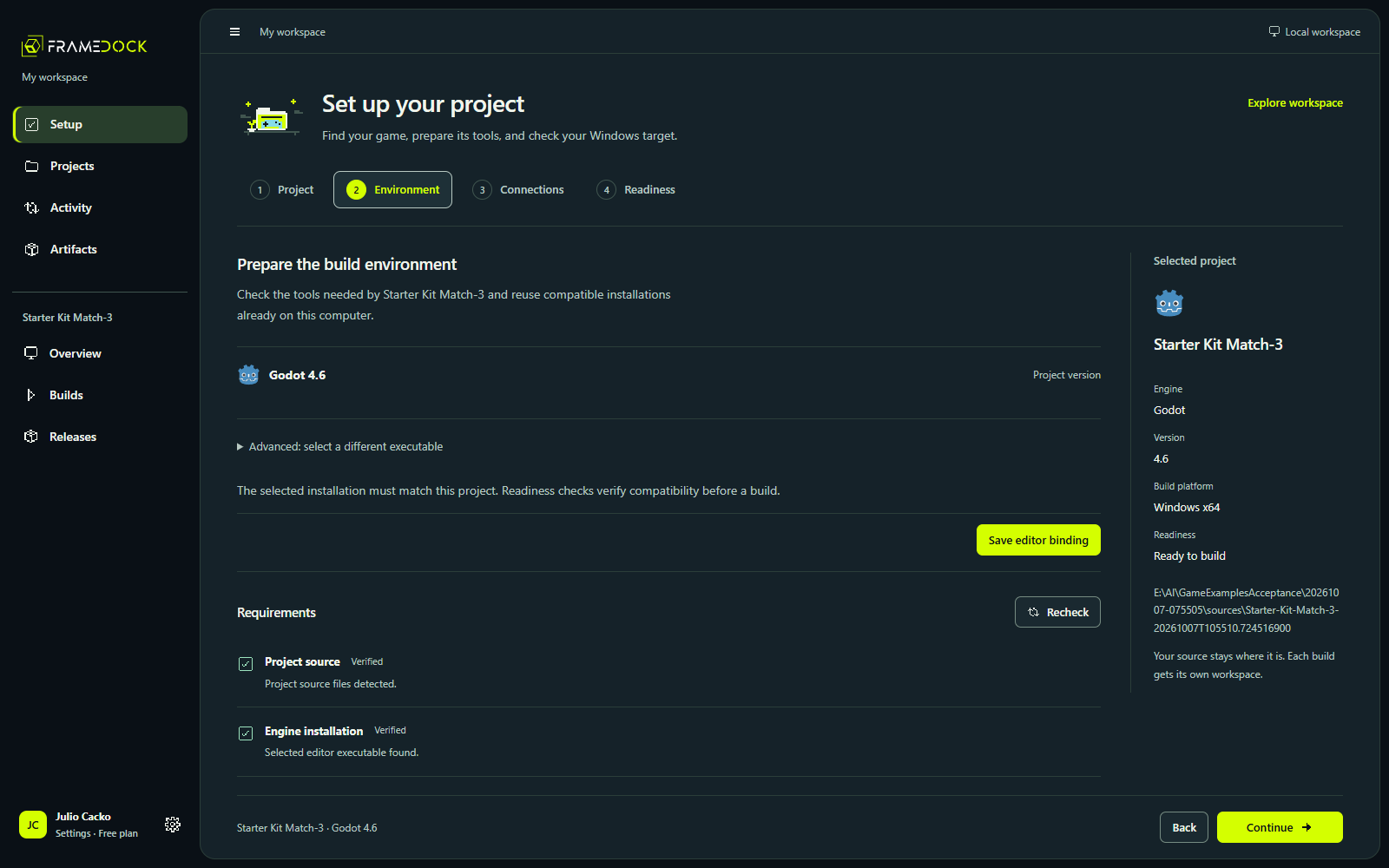
Templates, modules or Windows tools are missing
Read the failing environment row. Godot needs matching export templates; Unity needs the required Windows module/backend and a valid license; Unreal needs matching C++ tools and SDK. Resolve the named requirement, then Recheck.
A setup operation was canceled or interrupted
Use its retained status, error and recovery controls. Recheck the environment before retrying. An abrupt interruption recovers as interrupted; a normal shutdown cancels active setup operations.
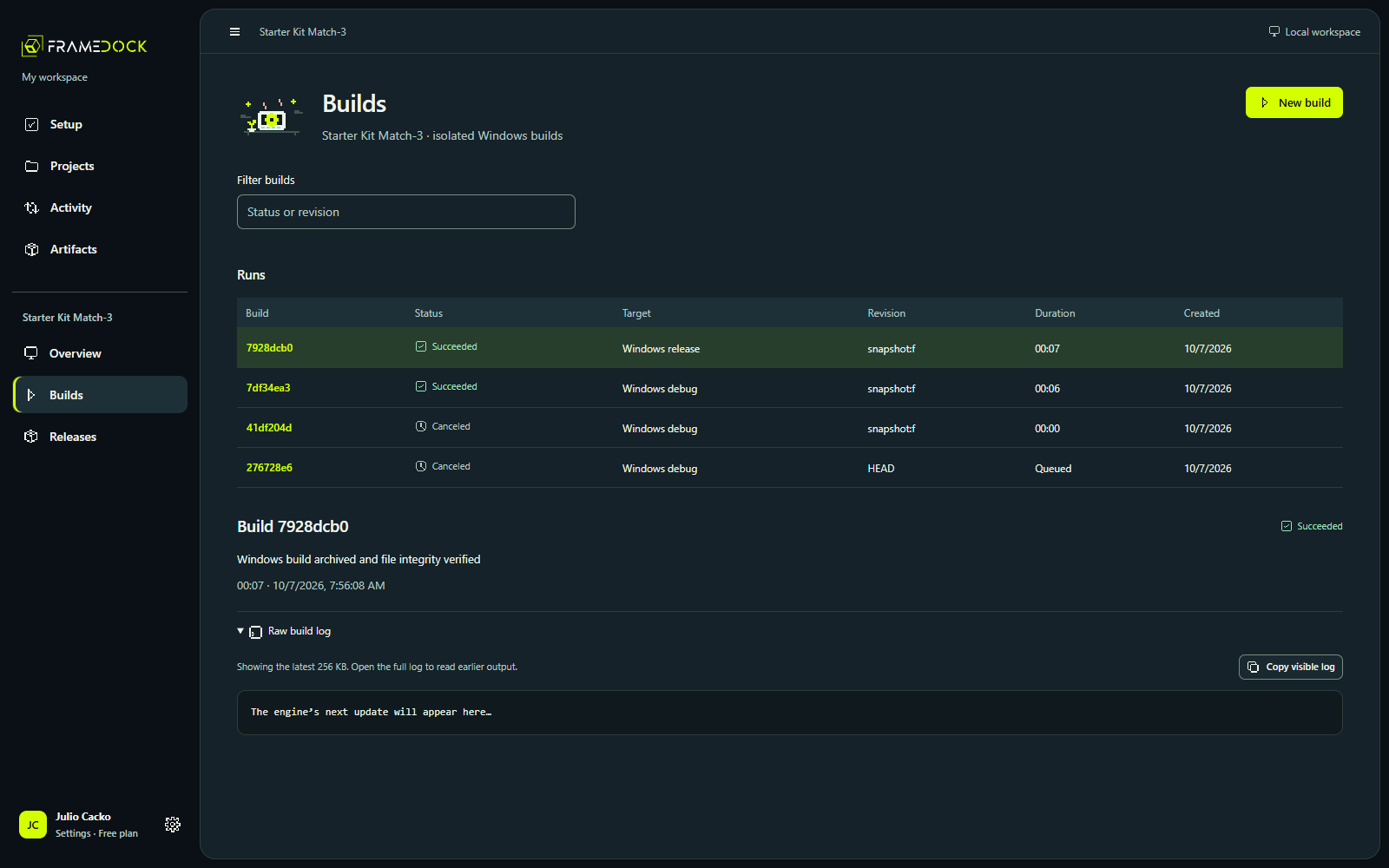
The build failed
Open the original engine log and find the first actionable error. Confirm the target and configuration, resolve the cause, then retry. A canceled run is not a successful artifact.
The extracted game does not launch
Check that all manifest files were extracted, required runtime dependencies are present and the configuration is intended for distribution. Rebuild after project corrections. A green export status does not certify behavior.
Account sign-up or download is unavailable
Public signup remains closed until release readiness is complete. Use existing configured account access if available, review the Windows prerequisites and return when access opens.