The space between your game and its next build.
A local workspace for developers using Godot, Unity and Unreal. Prepare the right tools, follow the build, and keep the result easy to inspect.
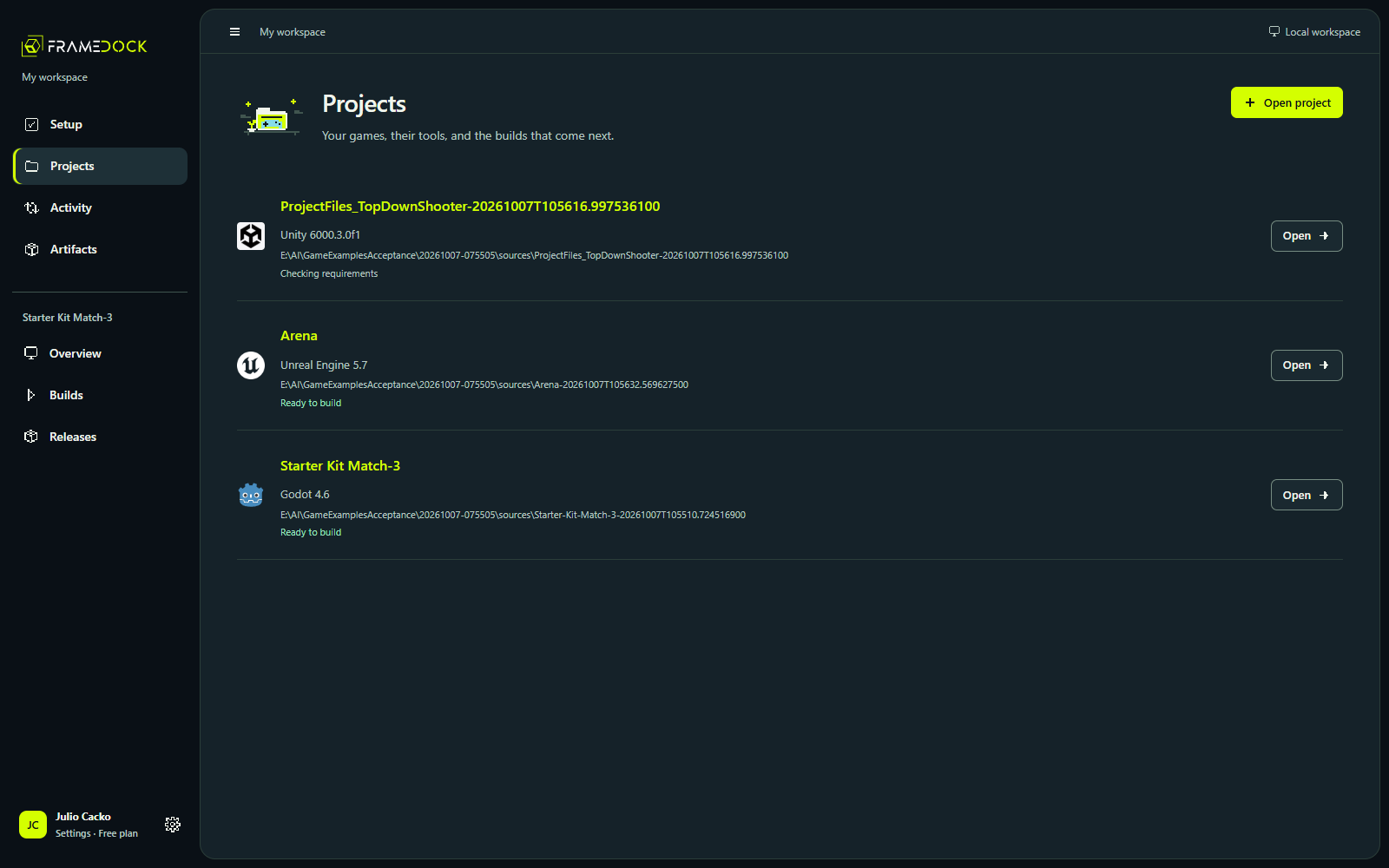
Your source stays where it belongs.
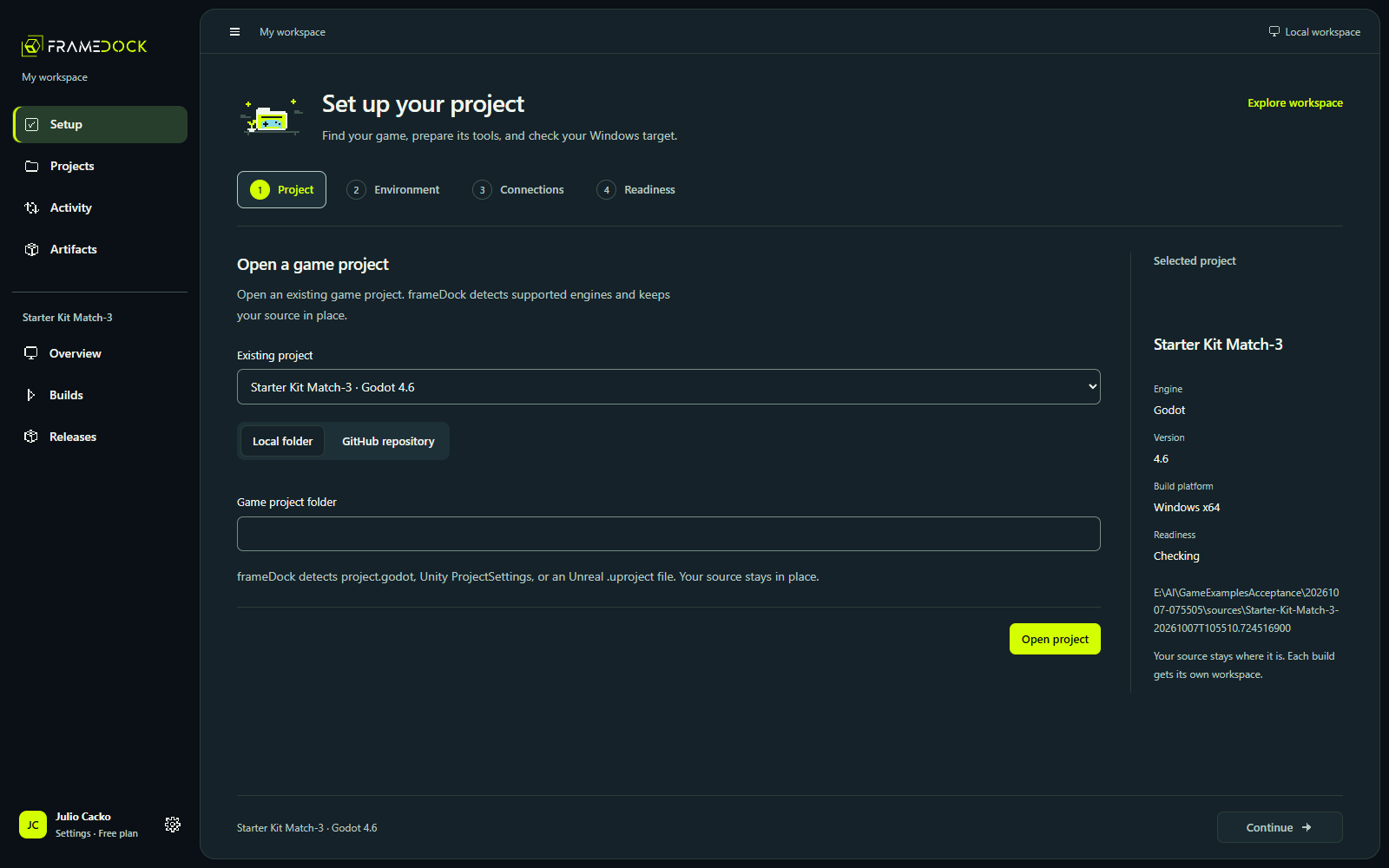
Open a local project or an authorized repository. frameDock reads the engine metadata and existing targets. A build uses its own isolated workspace, so the original project is preserved.
Keep different games in one workspace without treating them as the same engine, editor version or toolchain.
The matching tools. The checks that matter.
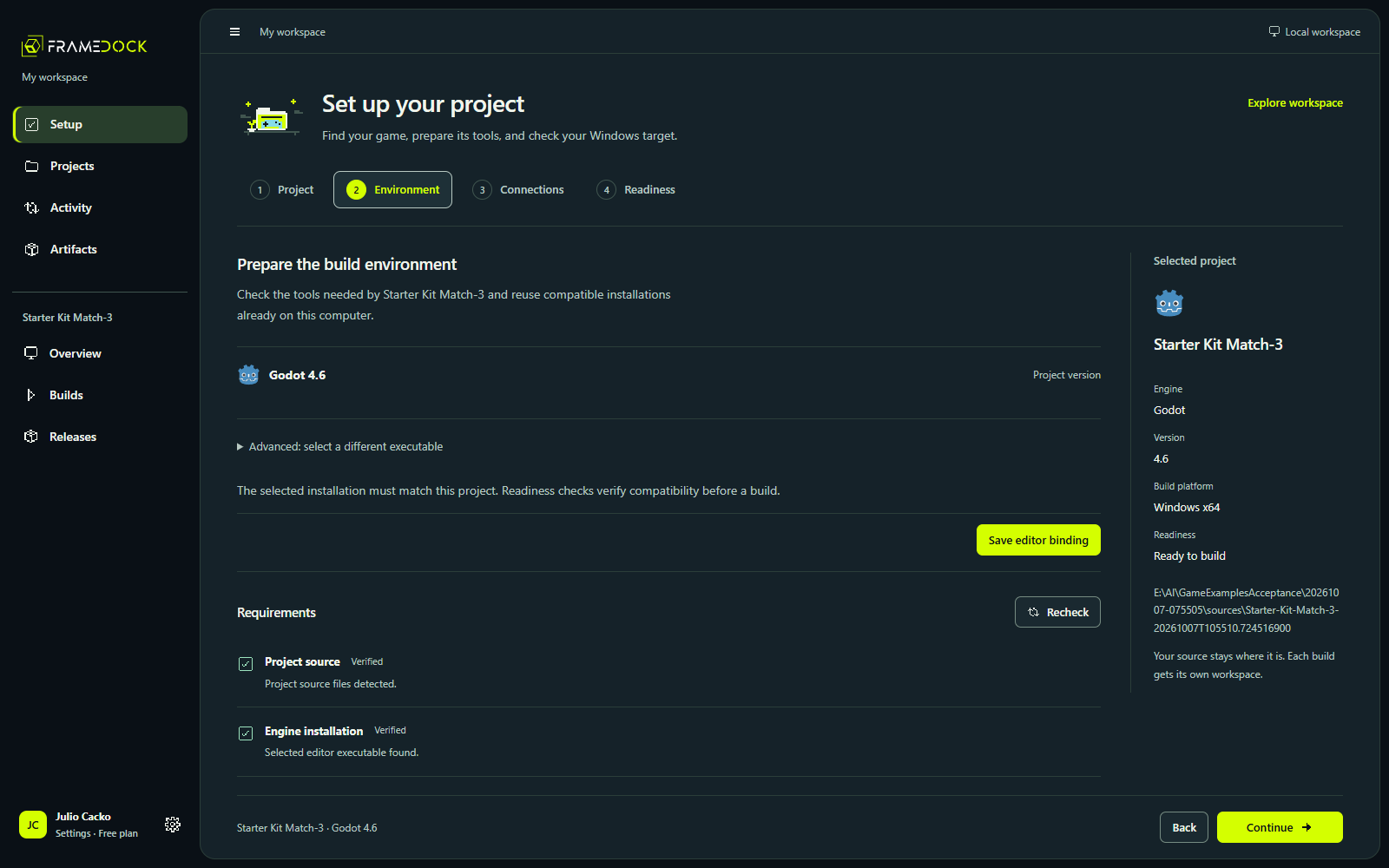
Reuse compatible installations. Resolve missing templates, modules, licenses and Windows tools without silently upgrading the project.
Godot Windows builds have verified pilot examples. Unity uses the experimental official CLI; Unreal packaging remains beta. Console profiles record requirements only.
Keep the run and the explanation together.
A durable queue runs one local build at a time. See progress, readable diagnostics and the original engine log. Cancel a run, resolve its cause and retry without losing the surrounding project history.
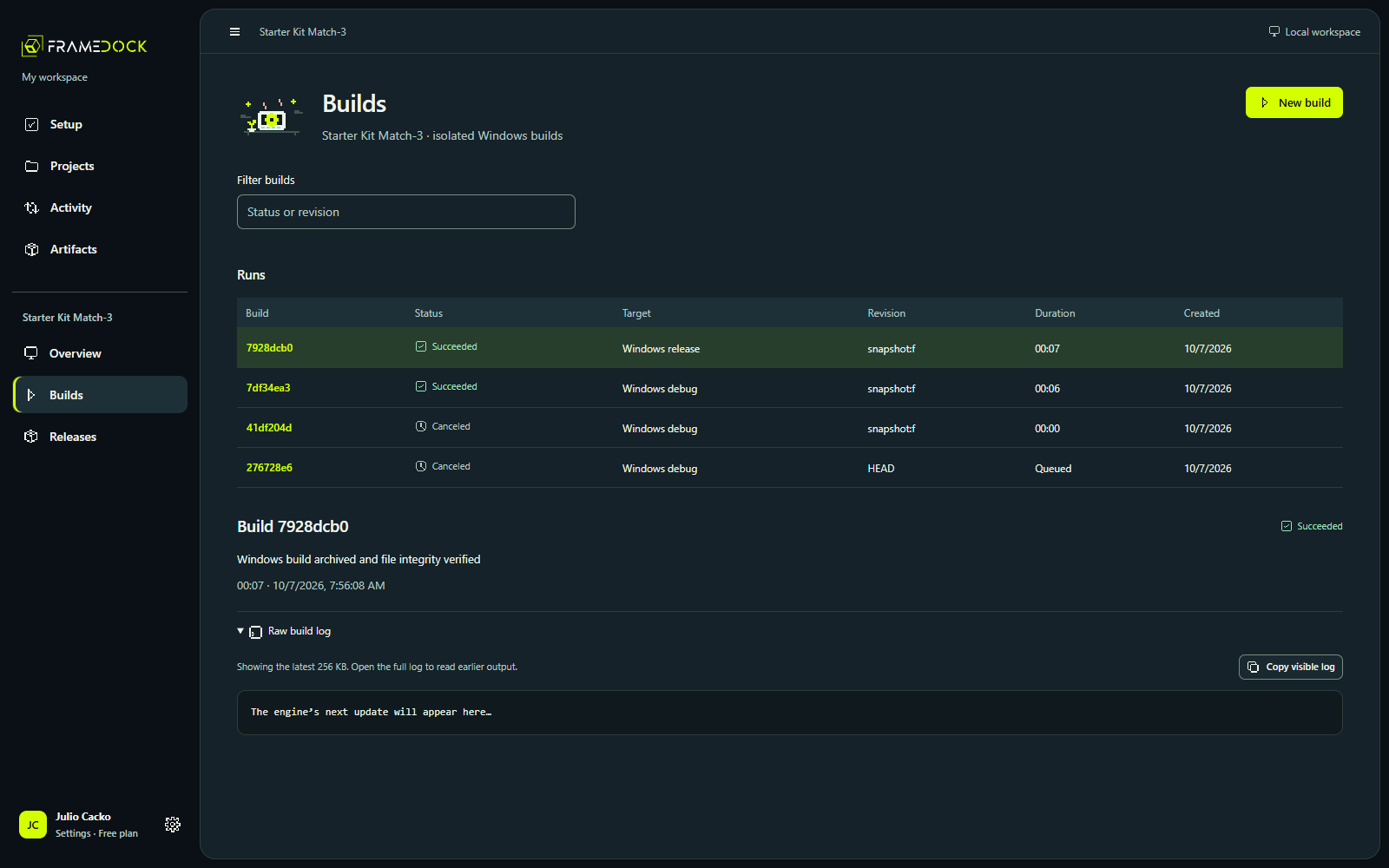
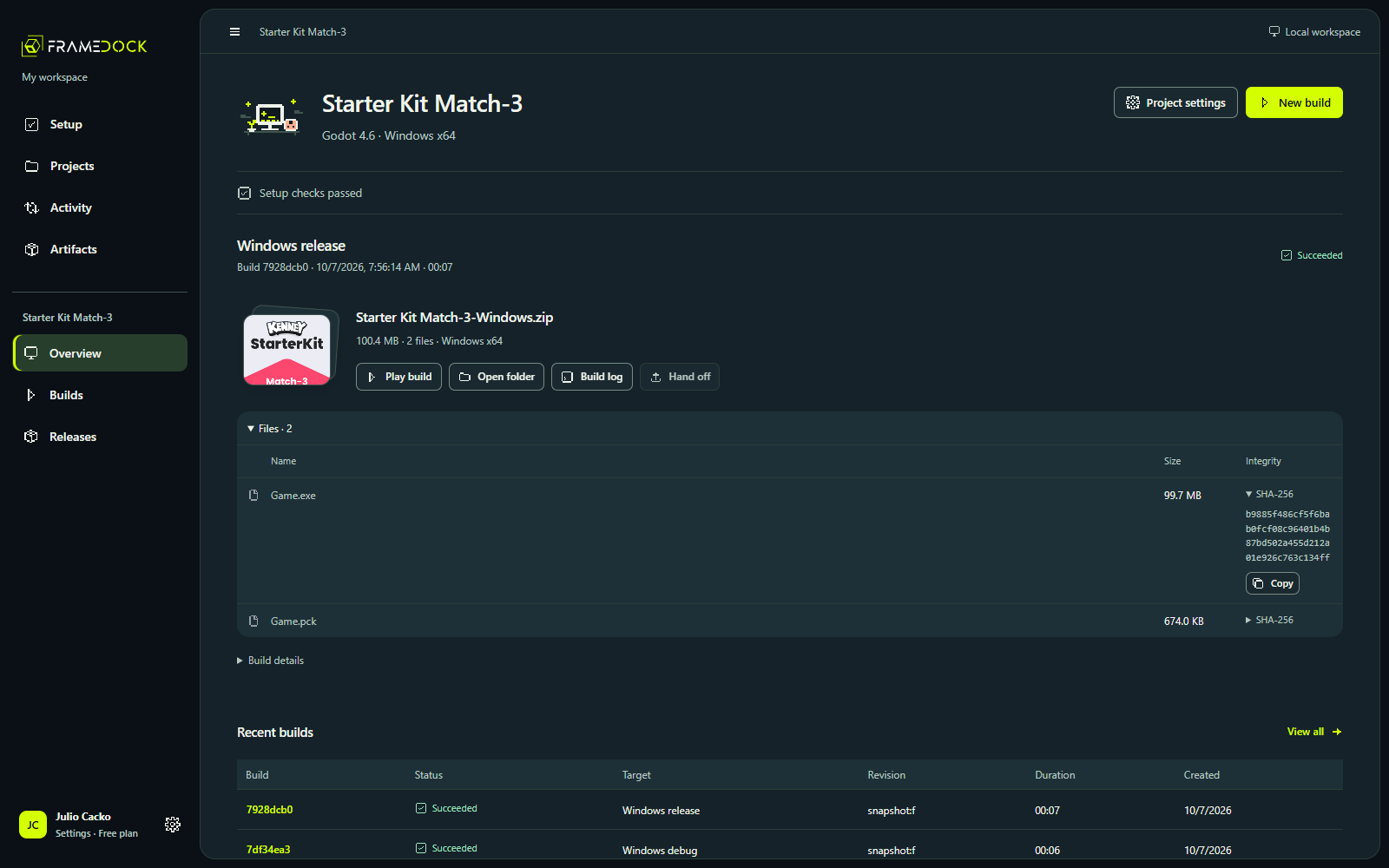
A build you can inspect before you share.
Keep the archive, file manifest, configuration and log together. Play the extracted game before configuring a publisher destination.
Steam and itch.io preparation are part of the local workflow. Verified files, a completed upload and a live store branch are different outcomes.
Inside the build workspace
Move from a project into its completed build, history and release preparation.
Current interface · Recorded 9 October 2026 · Existing October 7 build records
Read the walkthrough
- The Projects view identifies the engine and readiness of each game.
- Open Starter Kit Match-3 to inspect the Windows artifact from an earlier real build.
- Open Builds to see completed and canceled runs with their targets and durations.
- Open Releases to see destination configuration. This clip does not upload to a store.