
Prepare the release from a build you have checked.
Connect the artifact to the intended destination without confusing file integrity, publisher authorization and a live store branch.
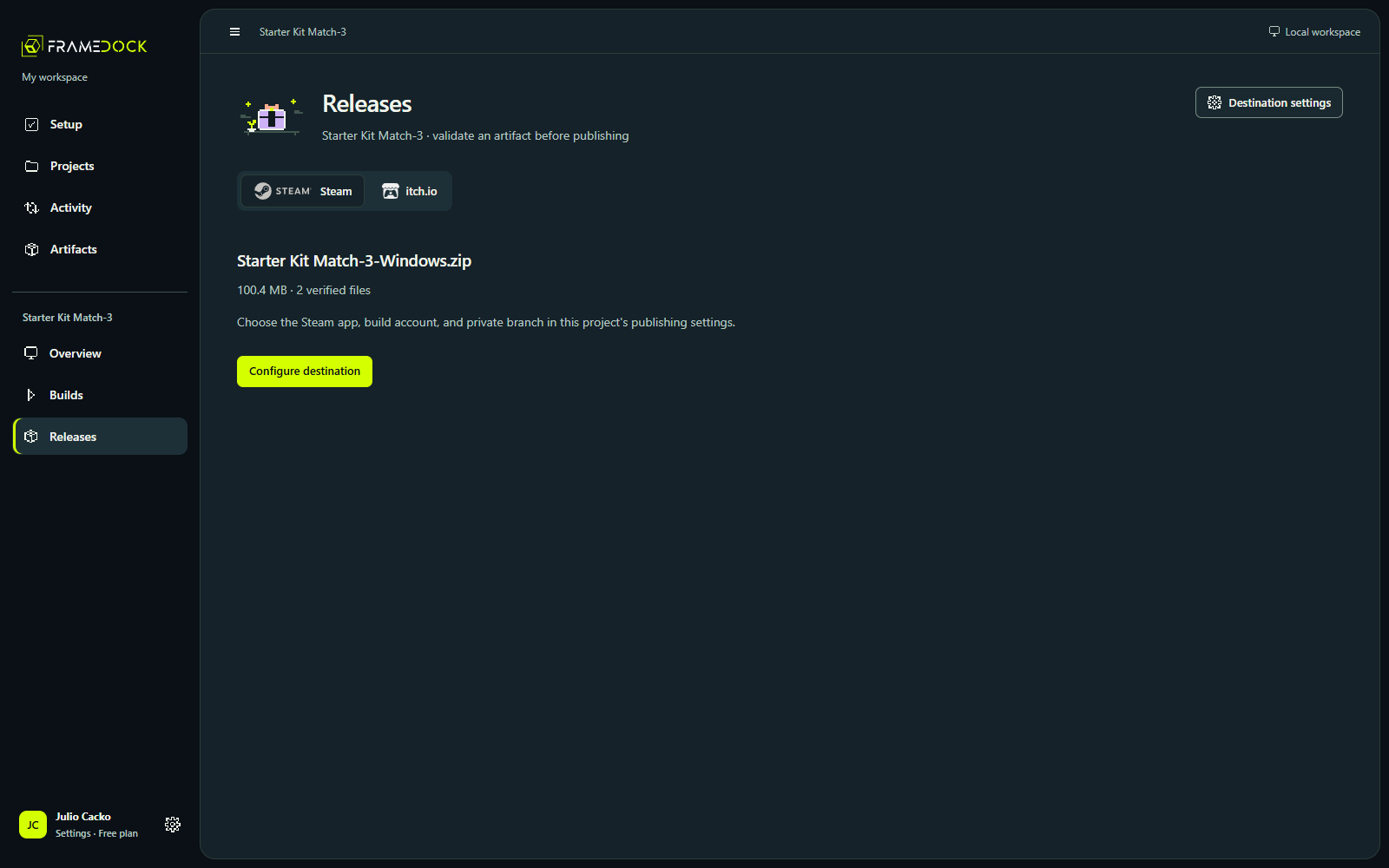
Local builds come first. Connections are optional.
You can build and inspect a game without a store account. When you are ready to publish, connect the required provider and configure the project’s destination.
Steam needs the correct app, depots and a private branch. itch.io needs the right project/channel and authorized butler session. These are publisher-specific permissions.
Four results worth keeping separate.
- ConfiguredThe destination has the information it needs.
- AuthorizedThe account has verified access for the intended operation.
- UploadedThe transfer completed and returned its receipt.
- AvailableThe intended store branch or channel is actually accessible.
Prepare a destination
See how the selected artifact relates to Steam and itch.io release profiles.
Current interface · Recorded 9 October 2026 · Existing October 7 build records
Read the walkthrough
- Open the completed Godot project, then choose Releases.
- Inspect the artifact selected for release and the available destination controls.
- A destination still needs your publisher configuration and verified access.
- The recording shows preparation only. No upload or live store release is demonstrated.